Your Mobile Connection is Evolving. Our 3G network will be retiring by March 2026. 

| Click here to learn more

Start your call with 671

Mandatory 10-digit dialing starting October 24, 2021


Your Mobile Connection is Evolving. Our 3G network will be retiring by March 2026. 

Get a Free Quote
Managed Router Solutions

Strong, Secure, and Smart Network Management

A managed router solution that's built to keep your data secure and operations running smoothly. 

  • Strengthen your network with enterprise‑grade Meraki hardware 
  • Enhance visibility and automate updates 
  • Reduce downtime with monitoring and expert support 
Scroll down to learn more
Work Better Together

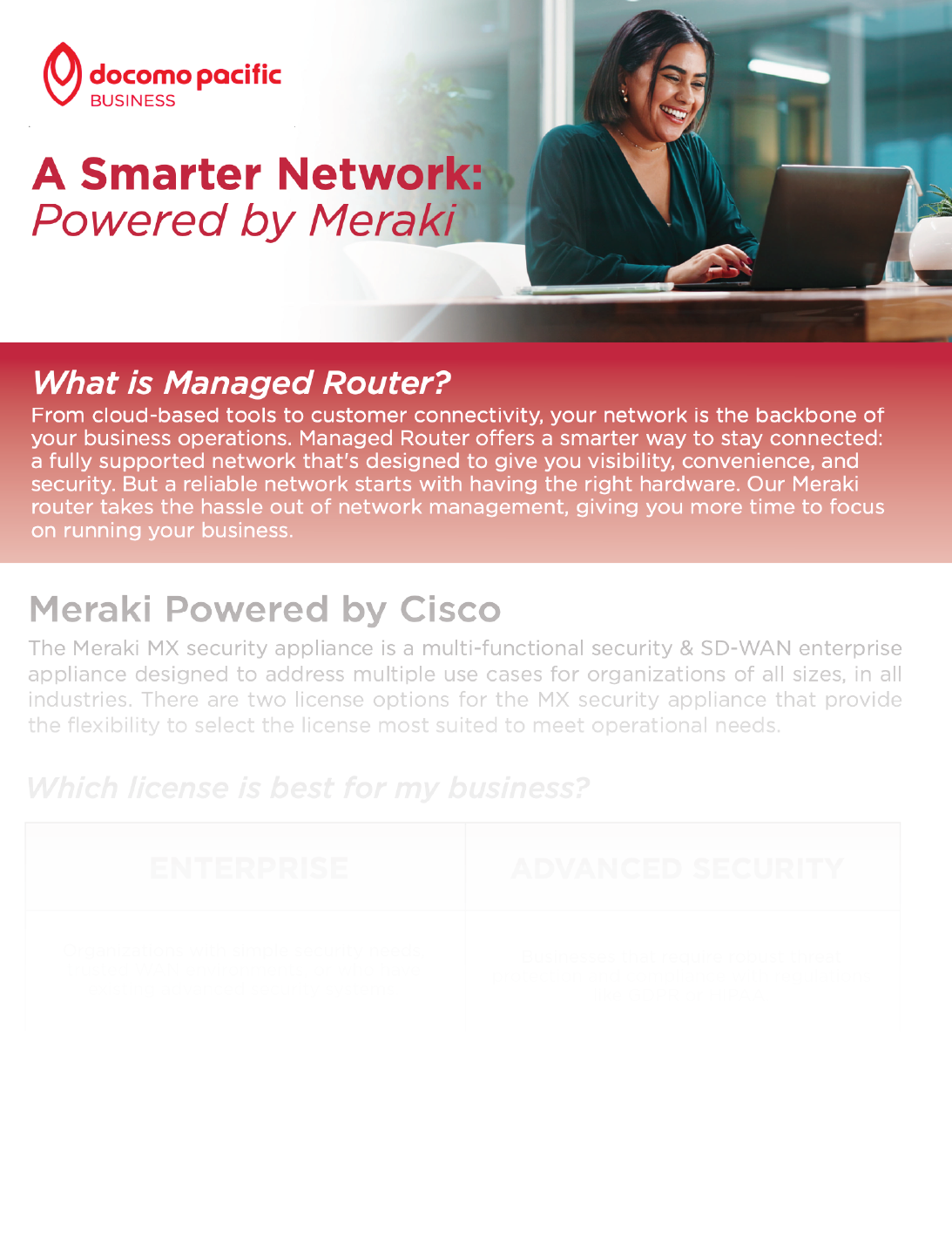
Managed Router

Powered by Cisco Meraki MX appliances, our Managed Router Solutions give your business stronger, more reliable connectivity with enterprise‑level routing and security.

Features like Auto VPN, traffic shaping, and WAN failover help keep your operations running and data secure, even during unexpected disruptions . With flexible license options, you can choose the level of protection and performance that best supports your business.

Book a Consultation
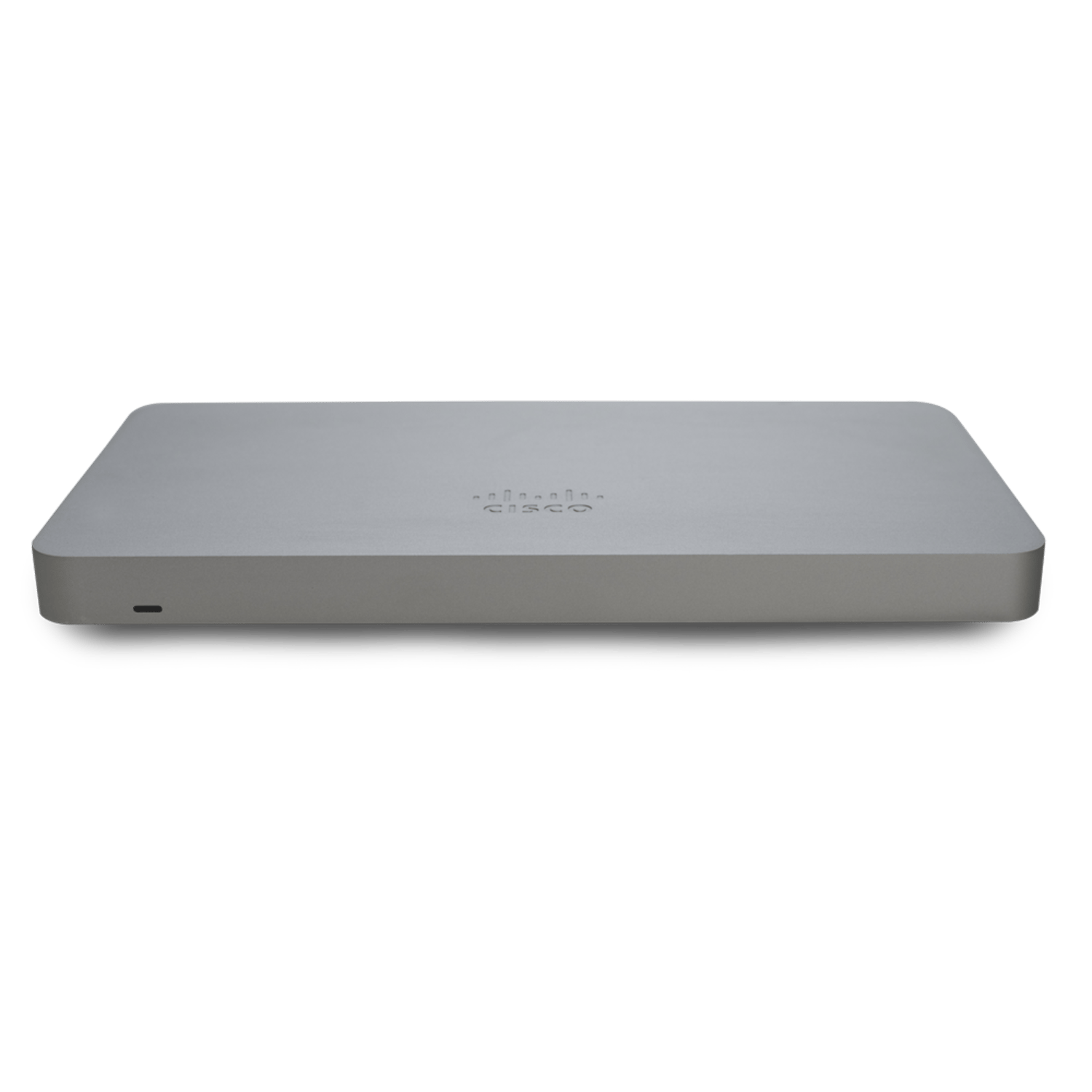
cisco-meraki-mx75-firewall

Best fit for

Interconnection-01
Enterprise
Organizations with simple security needs, trusted WAN environments, or who have existing advanced security systems.
Security and Compliance
Advanced Security
Businesses that require robust threat protection and compliance with regulations like GDPR or HIPAA.

Features

Centralized Management
Zero-touch Firmware
24/7 Enterprise Support
Automatic WAN Failover
Content Filtering Powered by Talos Intelligence
Youtube Content Restriction
Web Search Filtering
Cisco Advanced Malware Protection (AMP)

Enterprise

Advanced Security

Ready to sign up? Contact Us

FAQs

What is Business Priority Access and how does it work? 

Business Priority Access assigns a higher priority to your eligible business data on the DOCOMO PACIFIC 4G LTE network, benefiting you during times of congestion. This doesn’t apply to voice, SMS traffic, or data usage on our 5G network.

How does Business Priority Access affect FirstNet® subscribers? 

FirstNet subscribers and their usage will take priority over any traffic on DOCOMO PACIFIC’s network. Business Priority Access subscribers take priority after FirstNet.

Are the Access Passes available for use in Data To Go and ROW destinations? 

No, Access Passes can’t be used in our Data To Go and ROW destinations. If you exceed the fair usage policy, any data usage that would normally be covered by your DOCOMO PACIFIC Access Pass will instead come out of your inclusive data allowance. Standard rates based on destination and duration may apply.

How do I set up my voicemail account? 

To set up your voicemail, follow these steps:

  • Select the "Phone" icon at the bottom of the main screen and dial the following numbers:
    • Mobile Voicemail – 777 or 788-6600
    • Digital Phone Services – *318 or 969-5571
  • Enter four zeros or 1234 when prompted to enter your PIN for mobile services.
  • Follow the voice prompts to set up your voicemail account.

How do I access my voicemail? 

To access your voicemail, follow these steps:

  • Select the "Phone" icon at the bottom of the main screen and dial the following numbers:
    • Mobile Voicemail – 777 or 788-6600
    • Digital Phone Services – *318 or 969-5571
  • Enter your PIN at the voice prompt followed by the "#" sign.
  • Follow the voice prompts to access your voicemail.

How do I set up my Android phone's APN settings? 

To set up your Android phone's APN settings, follow these steps:

  • From the main screen, slide the screen up.
  • Select the "Settings" icon.
  • Select "Connections."
  • Select "Mobile networks."
  • Select "Access Point Names."
  • Select "Docomo" to verify that your APN settings are correct.